Visual Studio Project Template for ASP.NET Web API
In Visual Studio 2013 they decided to create one web project called ASP.NET Web Application to make it simpler as opposed to VS 2012 which had 7 different templates. I like this project wizard but I think there is a gap in the templates it provides when you want to start a Web API project. If you select Web API it comes with a full blown ASP.NET MVC website. If you select Empty you don’t get anything. I feel like there should be something in between: A functional Web API project with no overhead of the website.
Minimal Web API
The steps to achieve this are simple. I found this blog post that helped me to get what I wanted quickly.
For the sake of completeness the steps to create the minimal Web API project is as follows (I changed some of the steps to suit my needs):
- Create an Emptry ASP.NET Web Project
-
Install Web API package via Nuget
Install-Package Microsoft.AspNet.WebApi -
Add a Global Configuration Class and add the following line defining a default route to Application_Start method
 protected void Application_Start(object sender, EventArgs e)
 {
     GlobalConfiguration.Configuration.Routes.MapHttpRoute("Default", "{controller}/{id}", new { id = RouteParameter.Optional });
 }
-
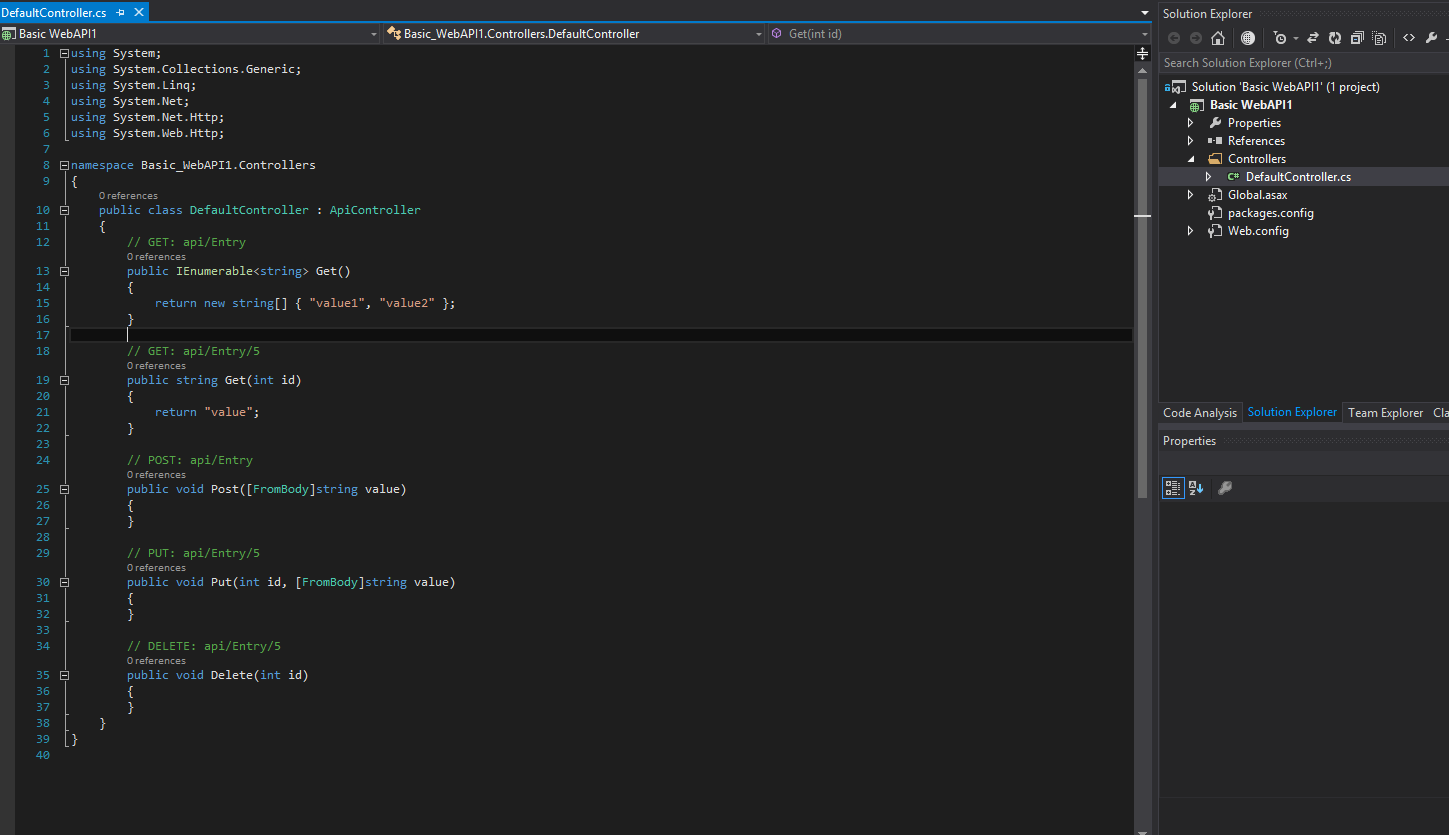
Add a controller from Web API Controller Class (v2.1) template and rename it to DefaultController. By default it comes with method implementations for GET/POST/PUT/DELETE HTTP verbs:
public class DefaultController : ApiController { // GET: api/Entry public IEnumerable<string> Get() { return new string[] { "value1", "value2" }; } // GET: api/Entry/5 public string Get(int id) { return "value"; } // POST: api/Entry public void Post([FromBody]string value) { } // PUT: api/Entry/5 public void Put(int id, [FromBody]string value) { } // DELETE: api/Entry/5 public void Delete(int id) { } } -
In order to run properly the following references need to be deployed:
- System.Net.Http.Formatting
- System.Web.Http
- System.Web.Http.WebHost
So change Copy Local to true in the properties window.
That’s all it takes to create a working Web API.
Templates in action
Now I have what I want but when I need a new Web API project I don’t want to start from scratch every time. Instead I’d rather use the nice and easy templating feature of Visual Studio. To create the template:
-
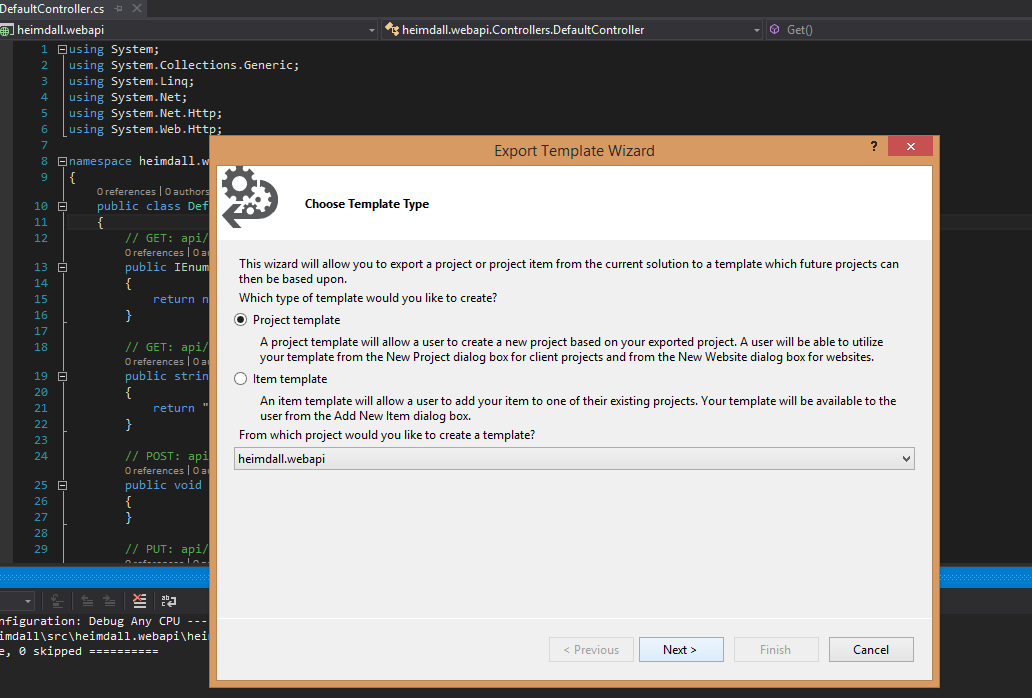
Select File -> Export Template
-
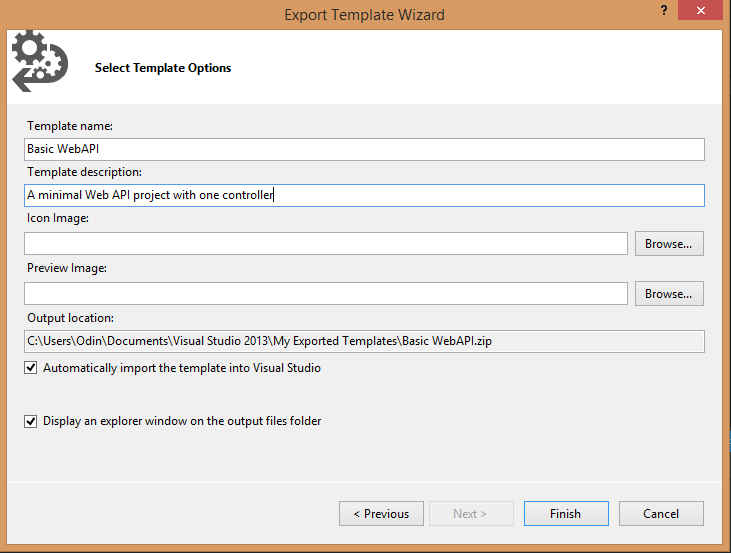
Leave “Project template” selected and click next. Give the template a name and description. It will automatically import the template to Visual Studio so leave the defaults.
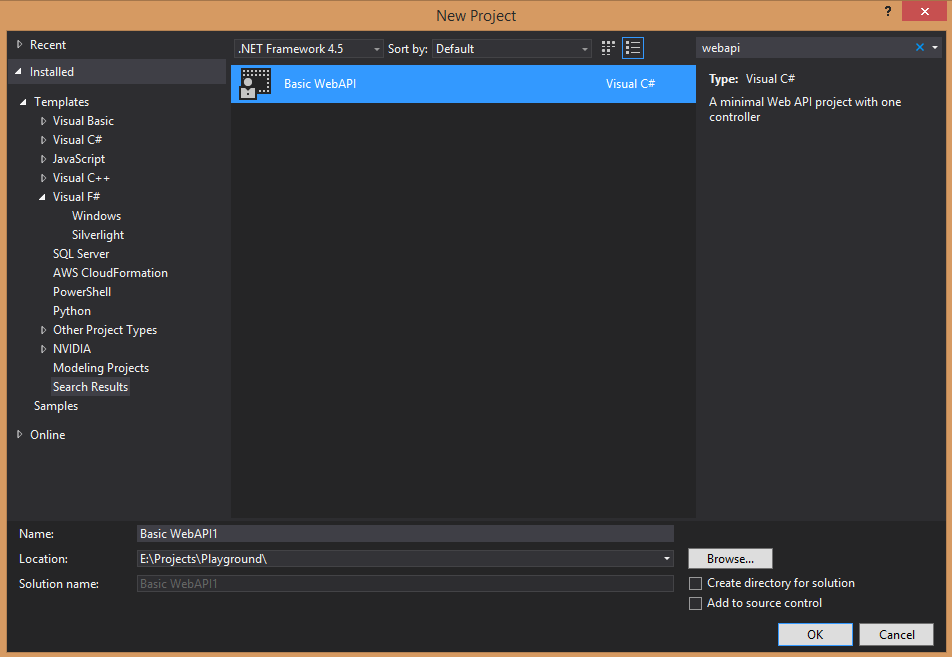
When you need to create a simple Web API you can use this template from now on by simply searching webapi in the templates:
And when you create a new project based on this template (not surprisingly) you get something like this:
Creating the project from scratch was easy enough but using templates is even easier so why not use it!